
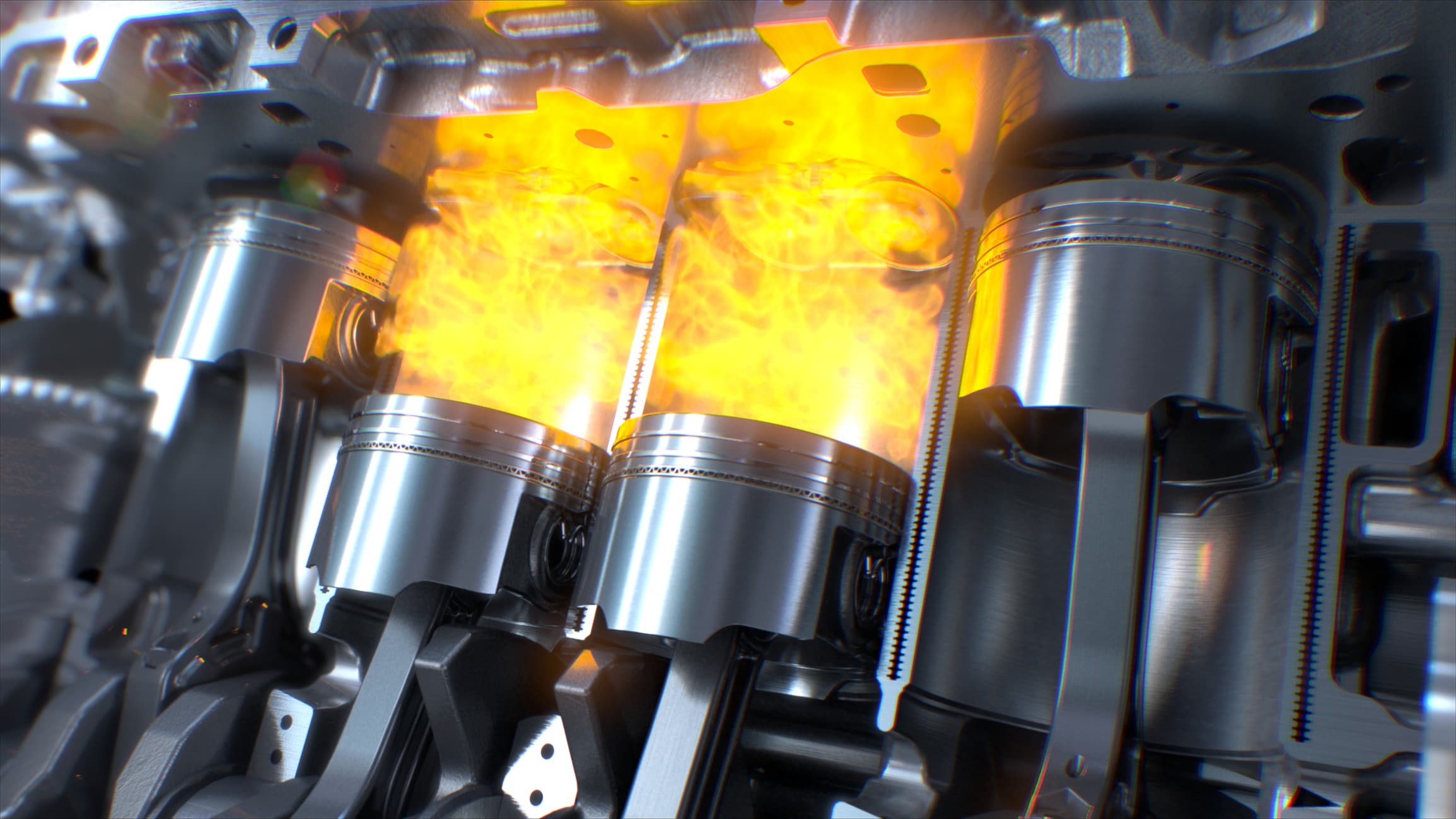
OUR MISSION
Providing Diverse Solutions to Customers Through Innovative Products and Services
Request a Quote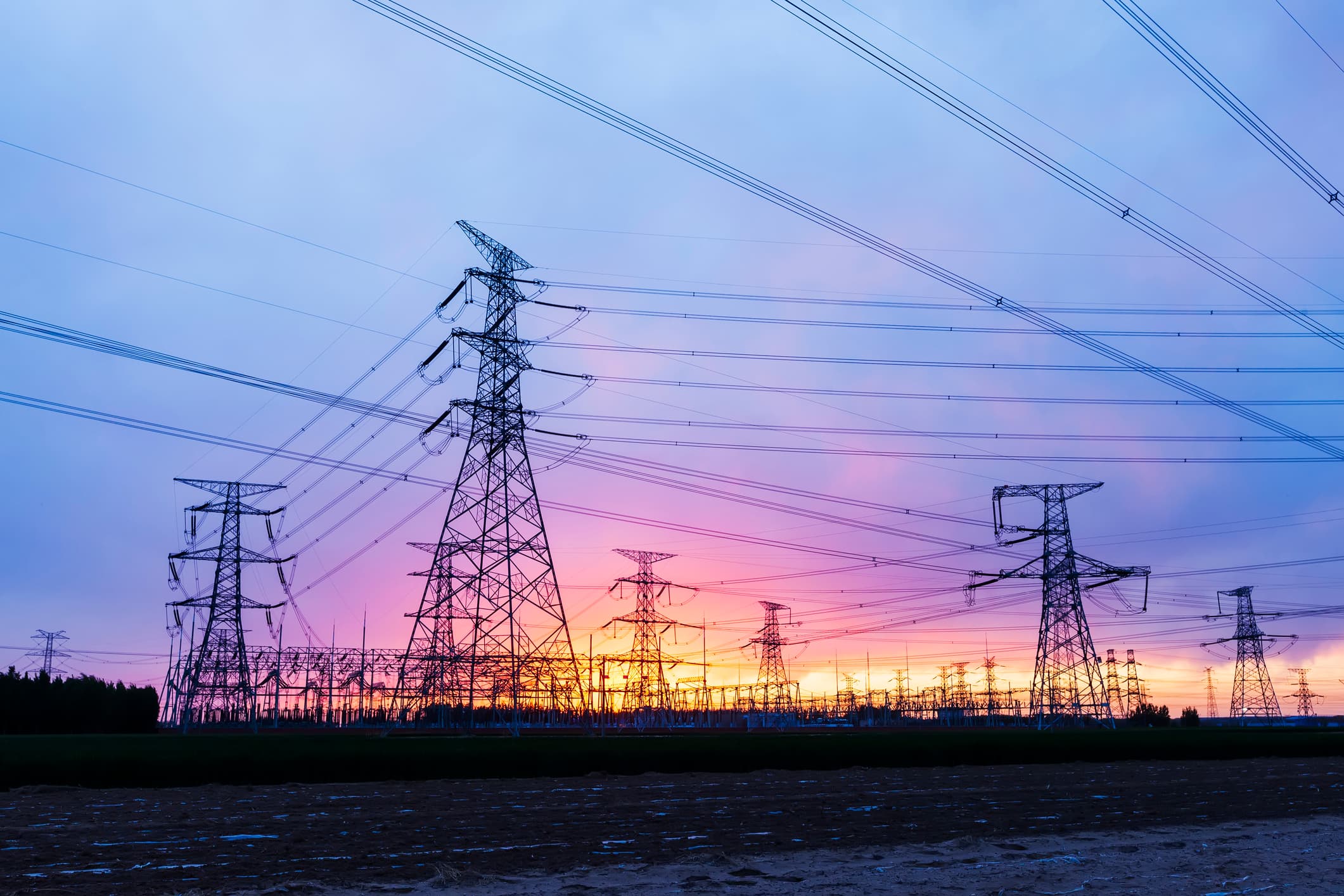
POWER SYSTEMS
Reliable, Emissions-Certified Power Generation for Critical Applications
Request a Quote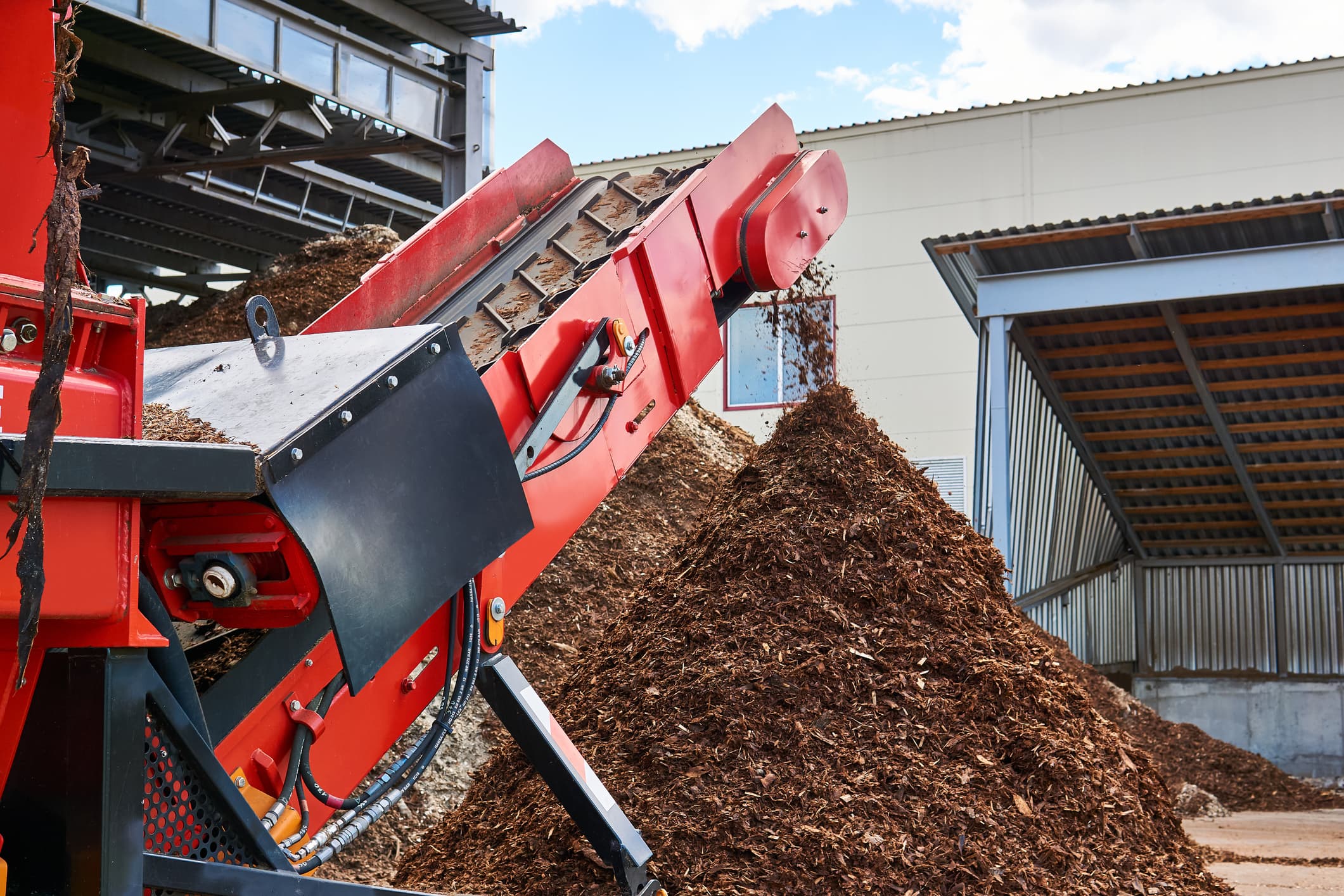
INDUSTRIAL SOLUTIONS
Purpose-Built Engines for the Most Demanding Industrial Environments
Request a Quote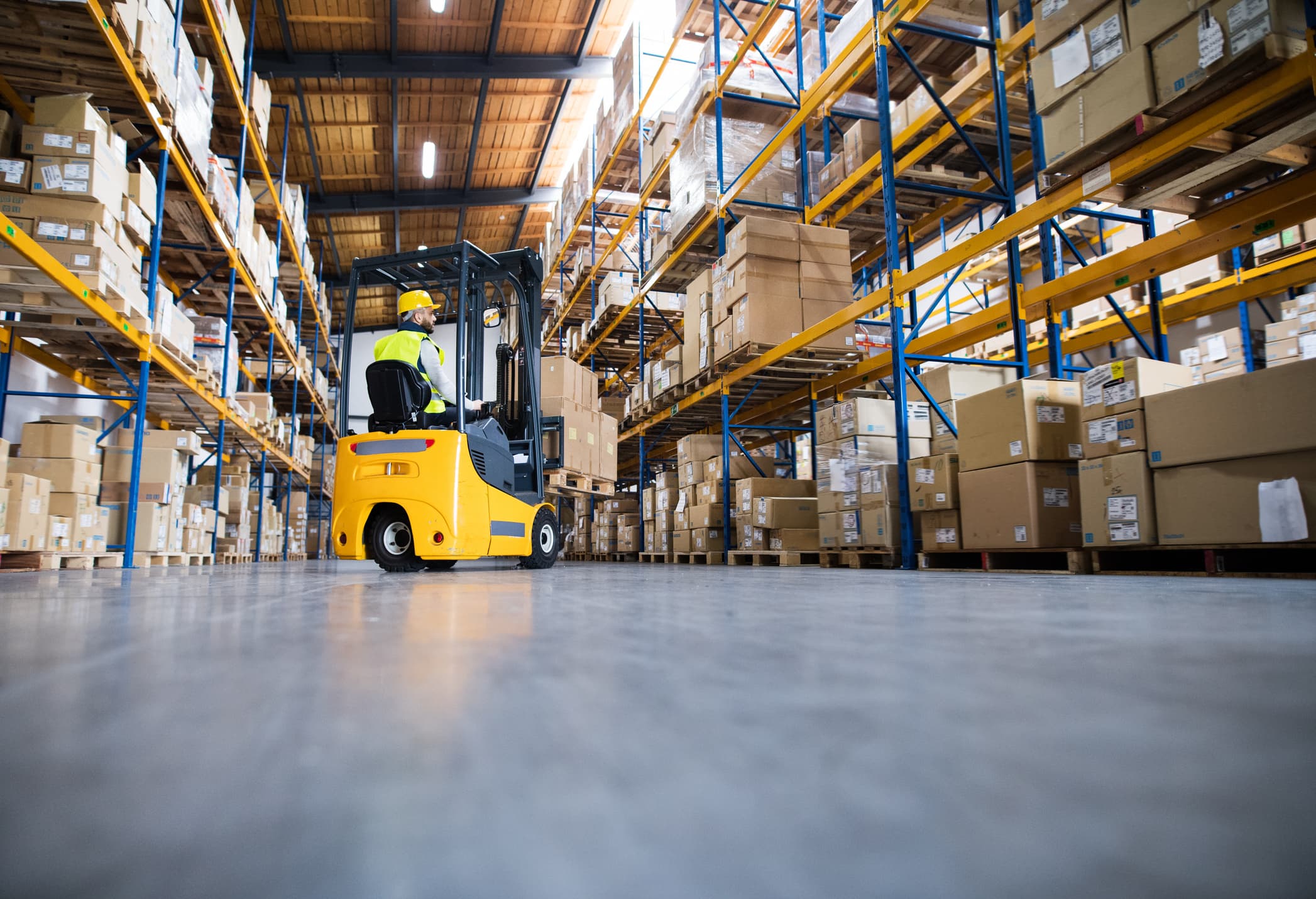
FLEXIBLE POWER
PSI offers fuel-flexible power systems suited for a host of industrial, energy and transportation applications.
Request a QuotePowering Forward
1,500,000
Engines Sold
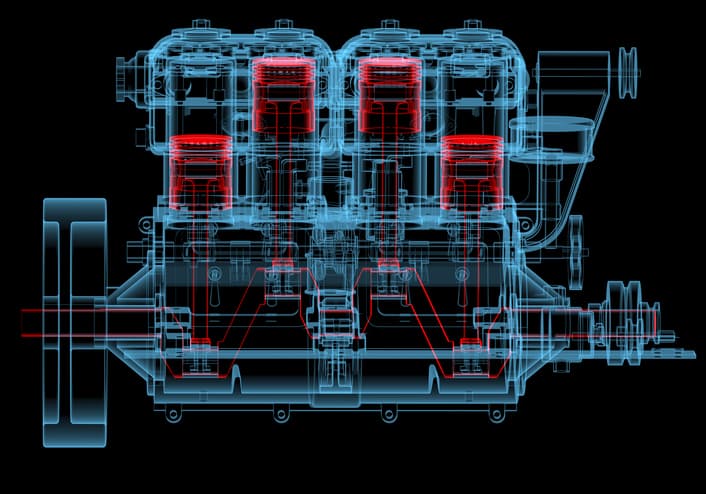
For more than 40 years, Power Solutions International has provided OEMs with powertrain products and solutions tailored for diverse needs. PSI has expertise developing, testing, integrating and manufacturing engines for a wide range of applications. PSI's comprehensive engine portfolio includes displacements ranging from .97 liter to 88 liters, which run on a wide variety of fuels including natural gas, propane, gasoline, diesel and biofuels. From off-road and on-road industrial equipment to power generation, we can provide a fuel-flexible or fully electrified solution to your OEM's needs.
Learn More
Search our
products
Click Here
Need parts
or service?
Click HereLatest News

August 11, 2026
Engine Selection for Power Generation OEMs
Once you've defined duty cycle, power, and fuel strategy, the next step is compliance, integration, environmental design, and lifecycle cost.
Continue reading
June 5, 2026
Engine Selection for Power Generation OEMs
Choosing the right engine for your OEM isn't just a technical decision; it's a strategic one.
Continue reading
August 27, 2025
Power Solutions International and HD Hyundai Infracore Partner to Expand Industrial Engine Offerings in North America
Power Solutions International, Inc. (“PSI” or “the Company”) is proud to announce a new cooperative agreement with HD Hyundai Infracore (HDI).
Continue reading